How to Filter the WAKETRACE Map
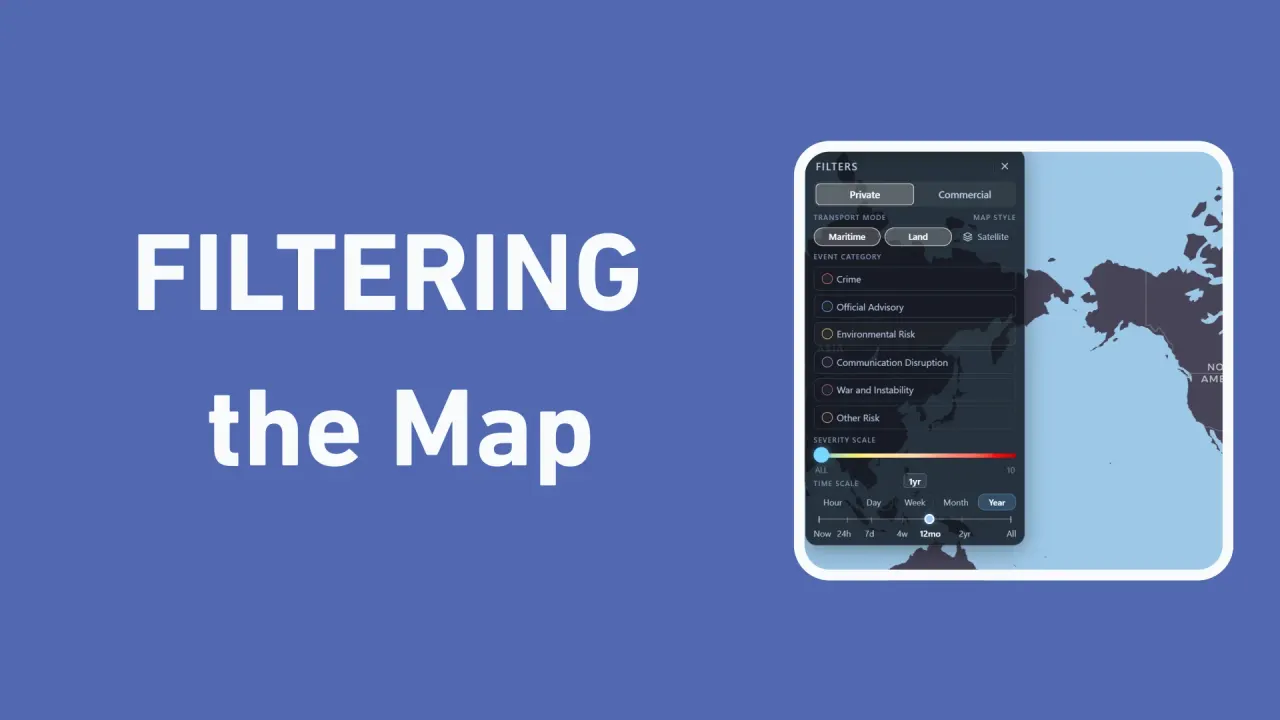
On the WAKETRACE map, you can filter and view data using the Filters tool.
By WAKETRACE Team · · WAKETRACE Guides
When exploring the WAKETRACE map, the data you see can be customized using filters to help you quickly and easily tailor the map to meet your needs.
This guide breaks down each of the options in the Filter box.
Private or Commercial
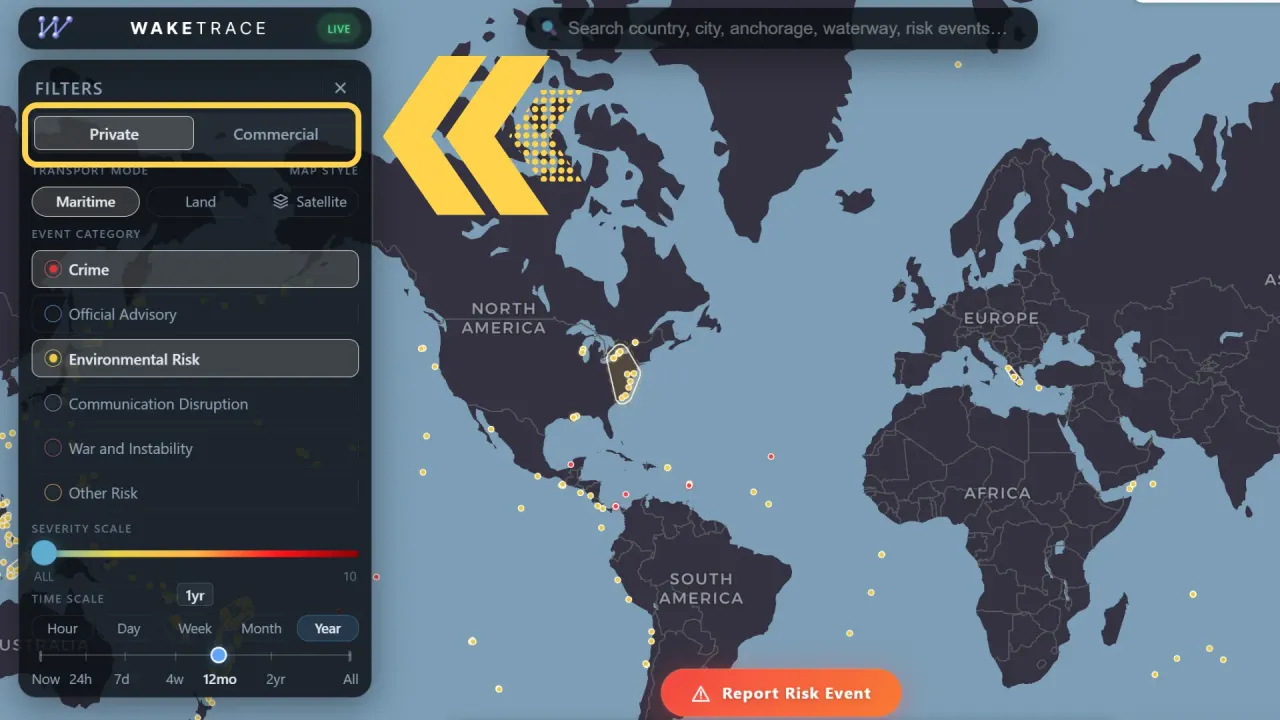
Depending on where your primary interests lie, you can select to see map data for Private or Commercial.
Private is tailored to recreational boaters and small-enterprises, like charter boats and fishing tours. You can see Crime events that are related to your interests, like dinghy theft and yacht boardings.
Commercial is for large ships, including container ships, bulk carriers, cargo vessels, and tankers. Crime events are related to the industry, for example piracy attacks, strikes, and tanker boardings, and there are more Transport Modes available.
Transport Mode
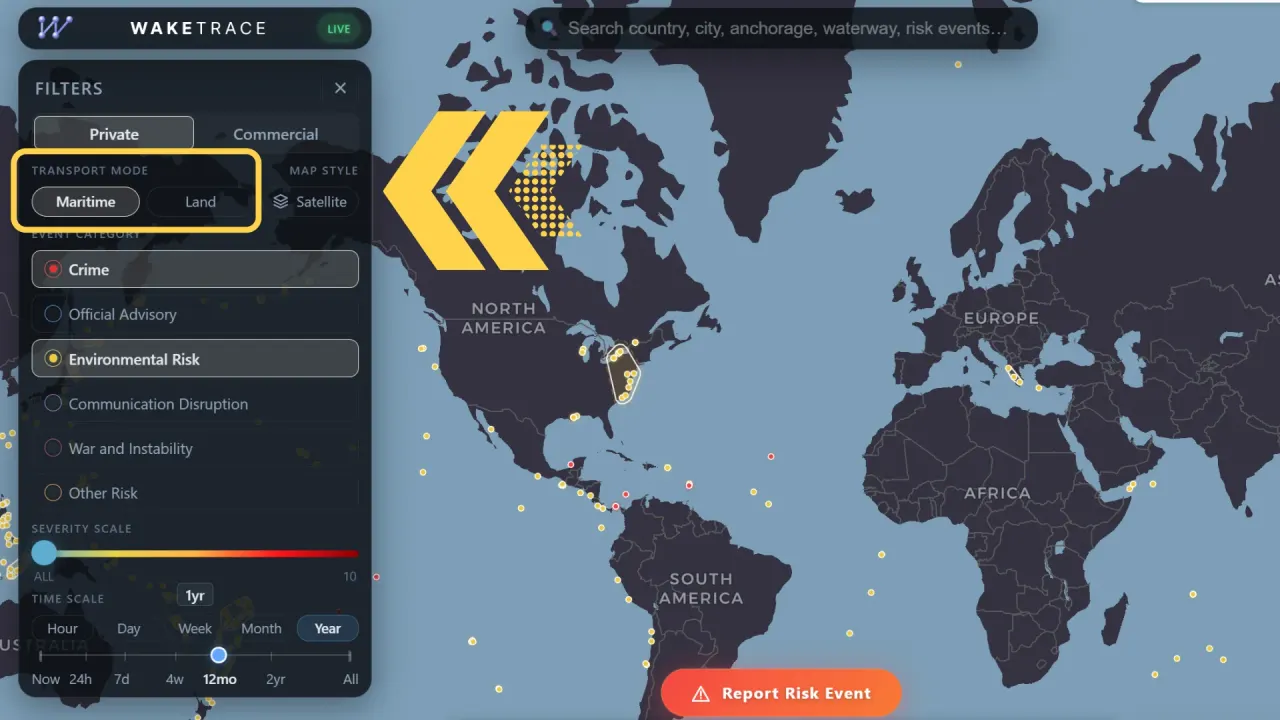
The WAKETRACE map features various modes of transportation that can be impacted, not just maritime. Which ones you see depends whether you are in Commercial or Private view, and can then be filtered further by Transport Mode.
| Commercial | Maritime, Land, Rail, Air, Pipeline |
|---|---|
| Private | Maritime, Land |
We understand that your primary transport is likely a boat, that may not be the entire journey. This feature gives you access to a larger data set for risk management and planning.
Map Style
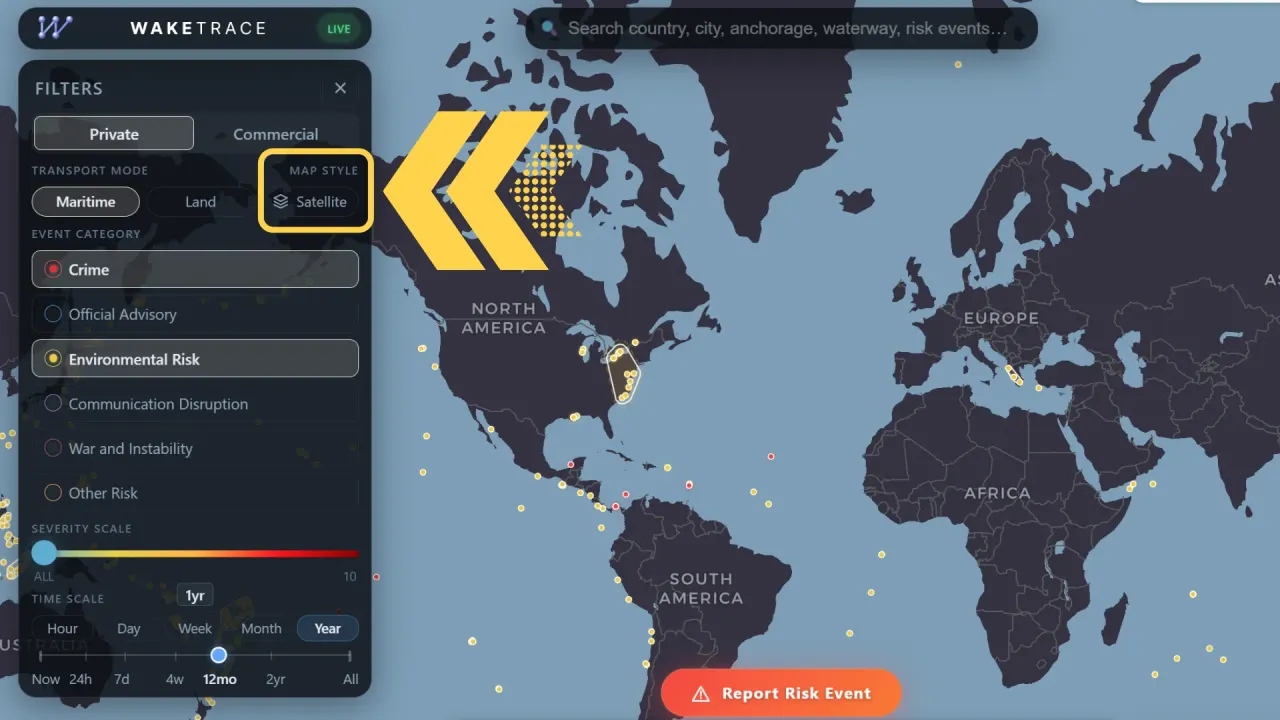
The default map style is CARTO Style Map, but if you select Satellite it will change to satellite imagery. Deselect the button to turn it back to CARTO.
The satellite imagery is a feature that will be updated over time to improve accuracy and resolution, but should only be used as a general guide of the area's features.
Event Category
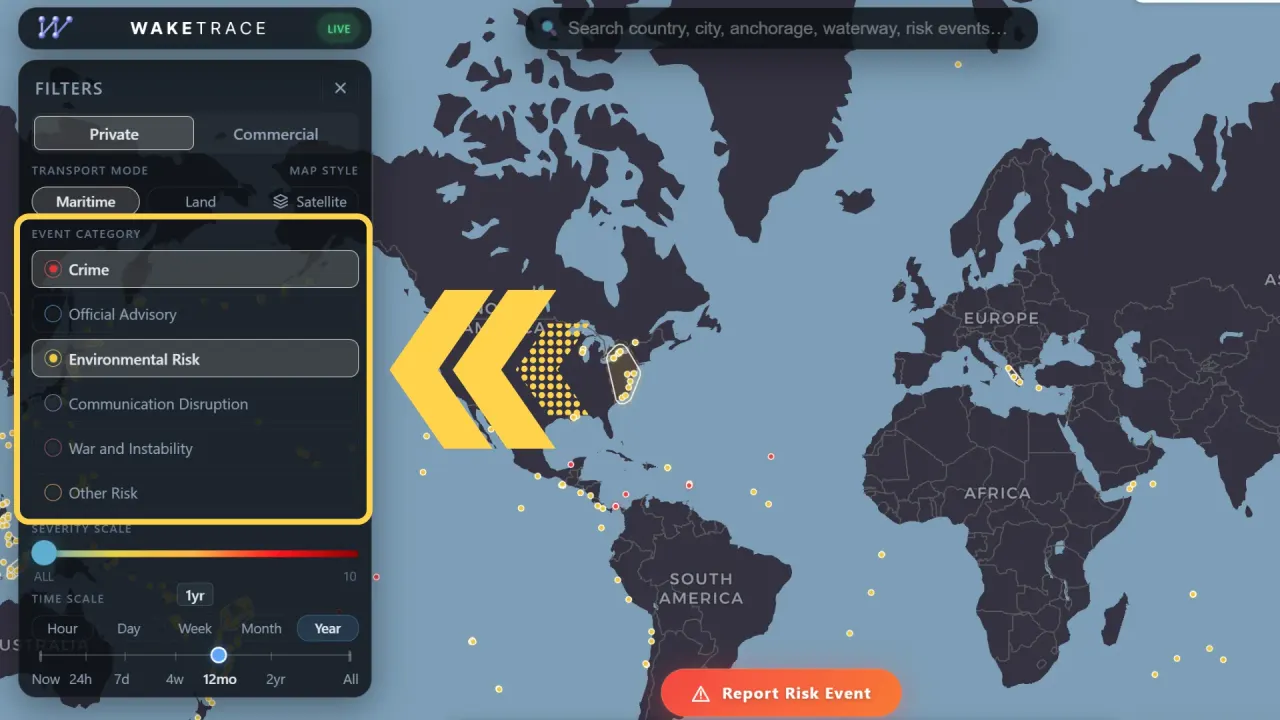
The Event Categories are a way to organise the Risk Events, and only view the type you are interested in at the time. There are six categories:
- Crime
- Official Advisory
- Environmental Risk
- Communication Disruption
- War and Instability
- Other Risk
For more information, you can read this guide on WAKETRACE Risk Event Categories.
Severity Scale
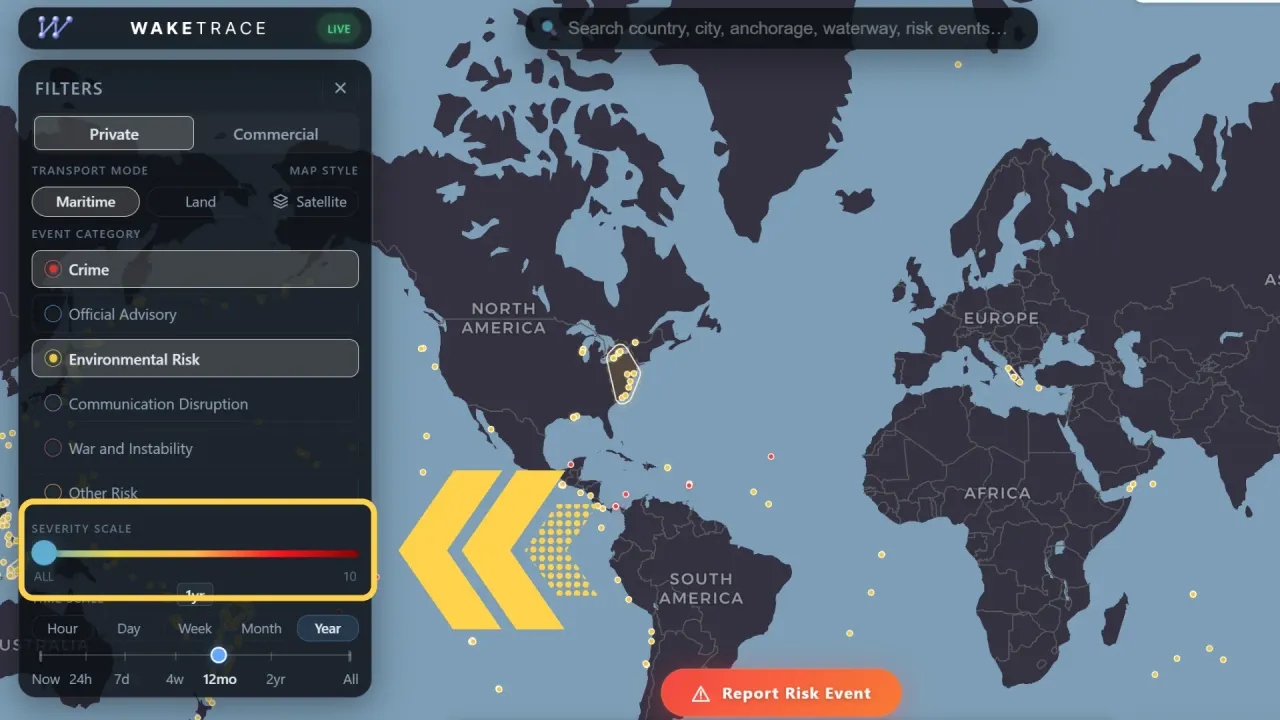
The Severity Scale is a means of comparing Risk Events by their perceived impact. You can slide the filter up and down to only show events above a specific Severity Level.
Time Scale
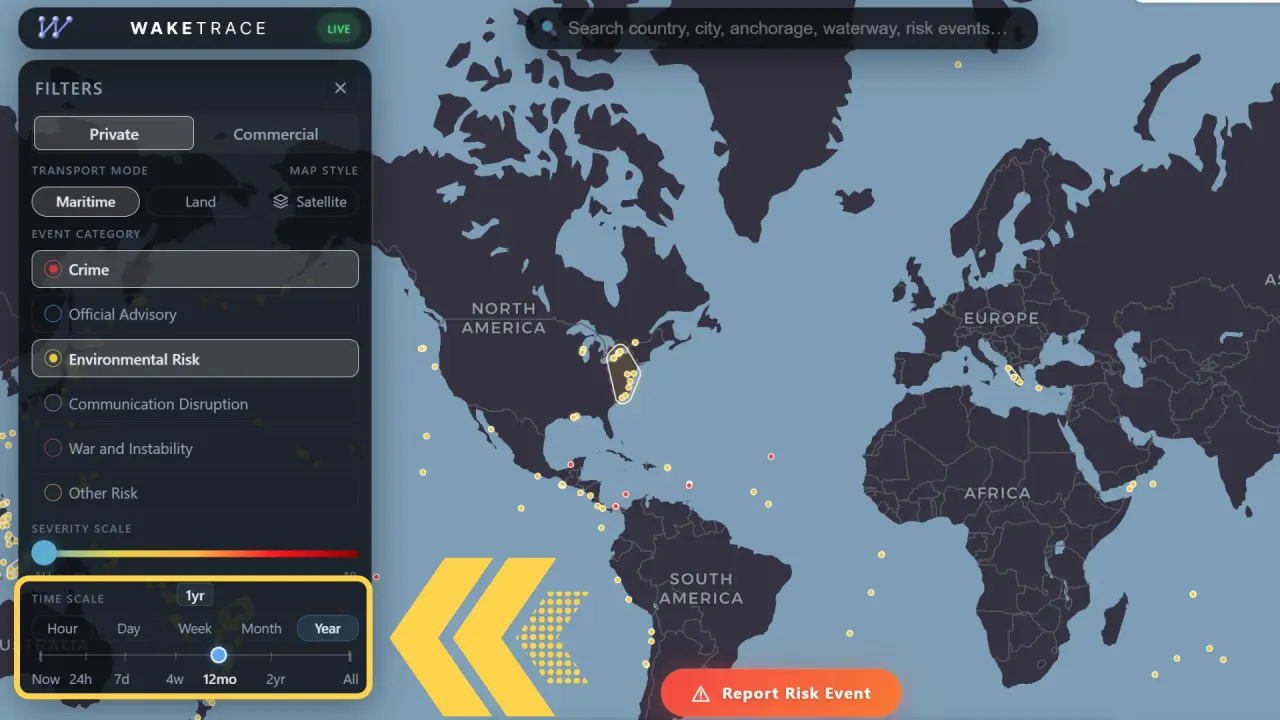
Using the Time Scale you can limit the map to only show events from a specific time period.
There are three ways to use this filter.
| Type | Button | Slider |
|---|---|---|
| Type the period you want to see in the box, for example, 3 years, 9 months or 21 days | Press one of the buttons to show events from the last Hour, Day, Week, Month or Year | Drag the slider across to the point you want to show, starting from Now and going back to All, which shows all data from all time |